Selfie guide
How to take better selfies
Most “bad selfies” aren’t about your face—they’re about harsh light, a weird angle, and shooting when you already feel rushed. Fix the basics below. When you want the look of a real photoshoot without scheduling one, upload a clear selfie on this page and Lumi turns it into a feed-ready portrait.
Generate it on this page
One clear selfie. The scene follows where you’ll use it.
By uploading you agree to the Privacy Policy and Terms. One free look per device.
Looks from one identity
-
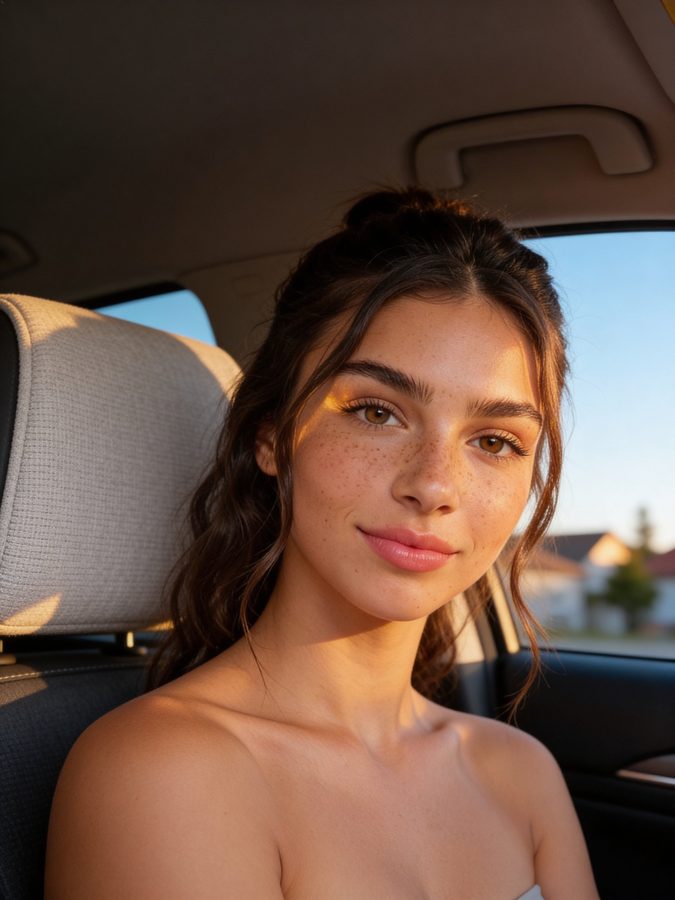
Golden hour close-up -

Paris bistro -
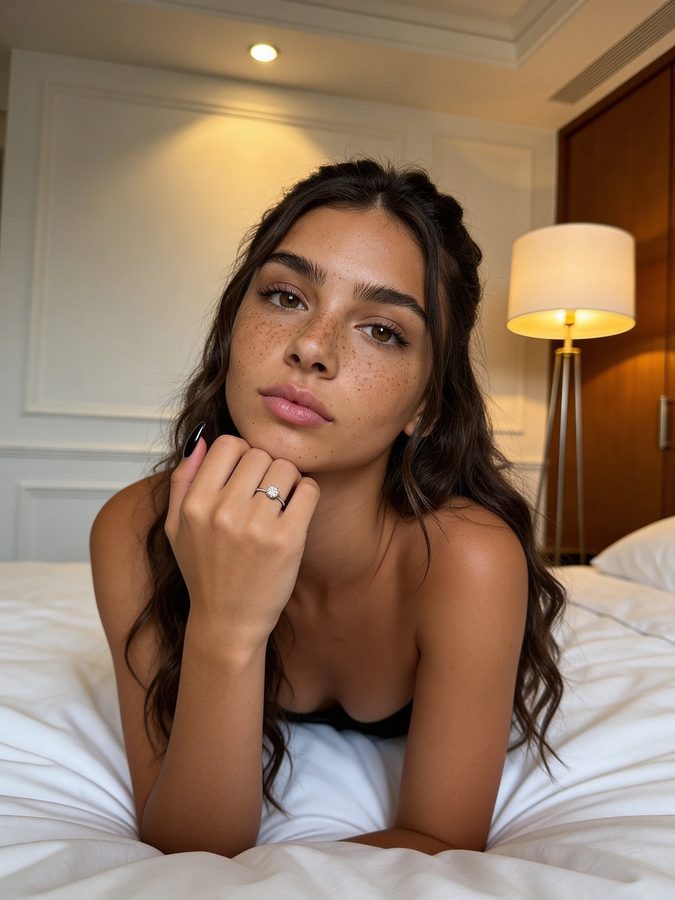
Soft hotel portrait -
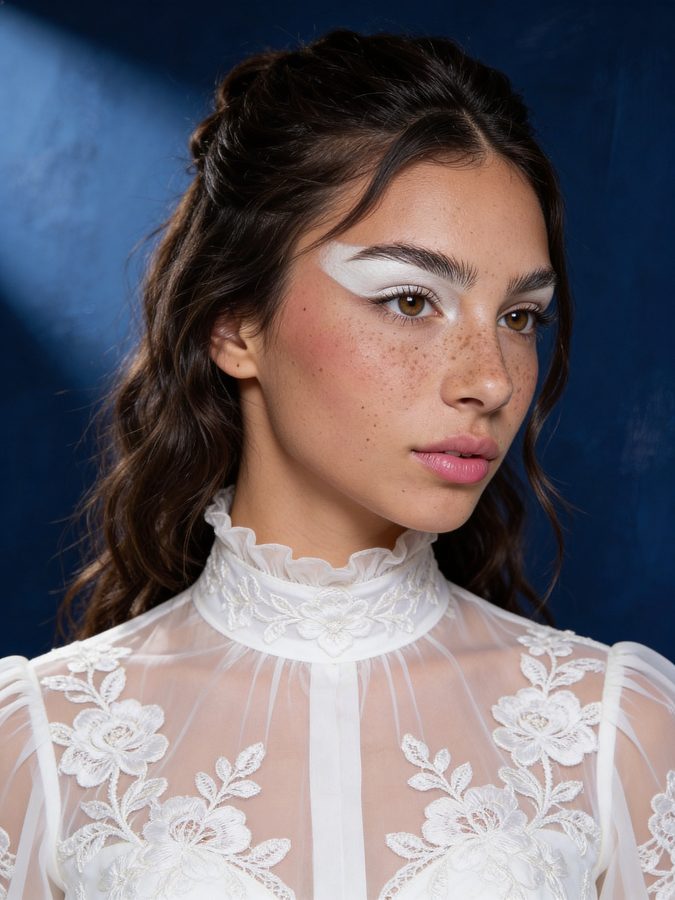
Editorial PFP
Start with light, not filters
Stand facing a window or soft daylight. Overhead bathroom lights carve shadows under your eyes; phone flash flattens everything. Soft front light is the single biggest upgrade for better selfies.
If you’re indoors at night, face a lamp (not the ceiling). Warm light looks more flattering than cold white LEDs for most skin tones.
Angle and distance that actually flatter
Hold the phone slightly above eye level and a bit away—arm’s length plus a little. Too close distorts your nose; too low is rarely kind.
Turn your shoulders 10–20° instead of squaring up to the camera. A slight chin-down with eyes toward the lens reads more natural than a forced smile.
Clean background, one job for the photo
Busy kitchens and messy beds steal attention. A plain wall, outdoors, or a café corner with soft blur behind you keeps the focus on you.
One selfie should do one job: profile picture, Story, or dating app. Don’t try to make one shot work for every context.
When “better selfies” still aren’t enough
Even with good light, a front-camera selfie rarely looks like a night out, a Paris café, or an editorial portrait. That’s the gap Lumi fills: you keep your face and features; AI places you in a polished scene with studio lighting.
Upload one clear front-facing selfie on this page. Pick whether it’s for Instagram, TikTok, dating, or just you—the look follows that job. Want more than the free look? Continue in the Lumi app.
Quick checklist before you hit the shutter
- Face the light (window or soft lamp)
- Phone slightly above eye level
- Shoulders angled, chin gently down
- Clean background
- Eyes sharp and open—no heavy motion blur
- Or skip the struggle: generate an AI look from one selfie below
FAQ
How do I take better selfies with an iPhone?
Use Portrait mode or Natural Light, face a window, and tap to focus on your eyes. Avoid digital zoom. For a finished feed photo without a photoshoot, upload that iPhone selfie to Lumi on this page.
Why do my selfies look worse than other people’s?
Often it’s lighting and editing, not your face. Creators shoot in good light, take dozens of frames, and grade color. Lumi compresses that photoshoot polish into one generation from your selfie.
Try Lumi free
Upload one selfie on this page. Get a studio-quality look made for your feed. Unlock more looks in the app when you want them.
Back to generator